Back to Content Hub
Video
09 March 2026

What Happens If M365 Data Is Deleted?

Discover why Microsoft 365 retention is not the same as backup and how to protect your critical business data.

Many organisations assume their Microsoft 365 data is protected indefinitely. In reality, Microsoft provides retention and recovery capabilities, but they are not a substitute for a dedicated backup strategy. If data is accidentally deleted, maliciously removed or encrypted by ransomware, recovery options may be limited depending on the circumstances and retention settings. Microsoft also follows a shared responsibility model, meaning organisations remain responsible for protecting their own data.

In this video, we explain why Microsoft 365 backup is an essential part of a modern data protection strategy. You'll learn why Exchange emails, OneDrive files, SharePoint documents and Microsoft Teams data all deserve dedicated protection to help safeguard against accidental deletion, cyber attacks and compliance risks.

Whether you're reviewing your backup strategy or looking to strengthen business resilience, this video highlights the importance of ensuring your Microsoft 365 environment can be recovered quickly when it matters most.


Related Resources

Explore related resources, guides and insights to help you make informed IT decisions.
Brochure

Robinscroft Services and Solutions

Practical IT services for organisations that want clarity, confidence, and control.

Datasheet

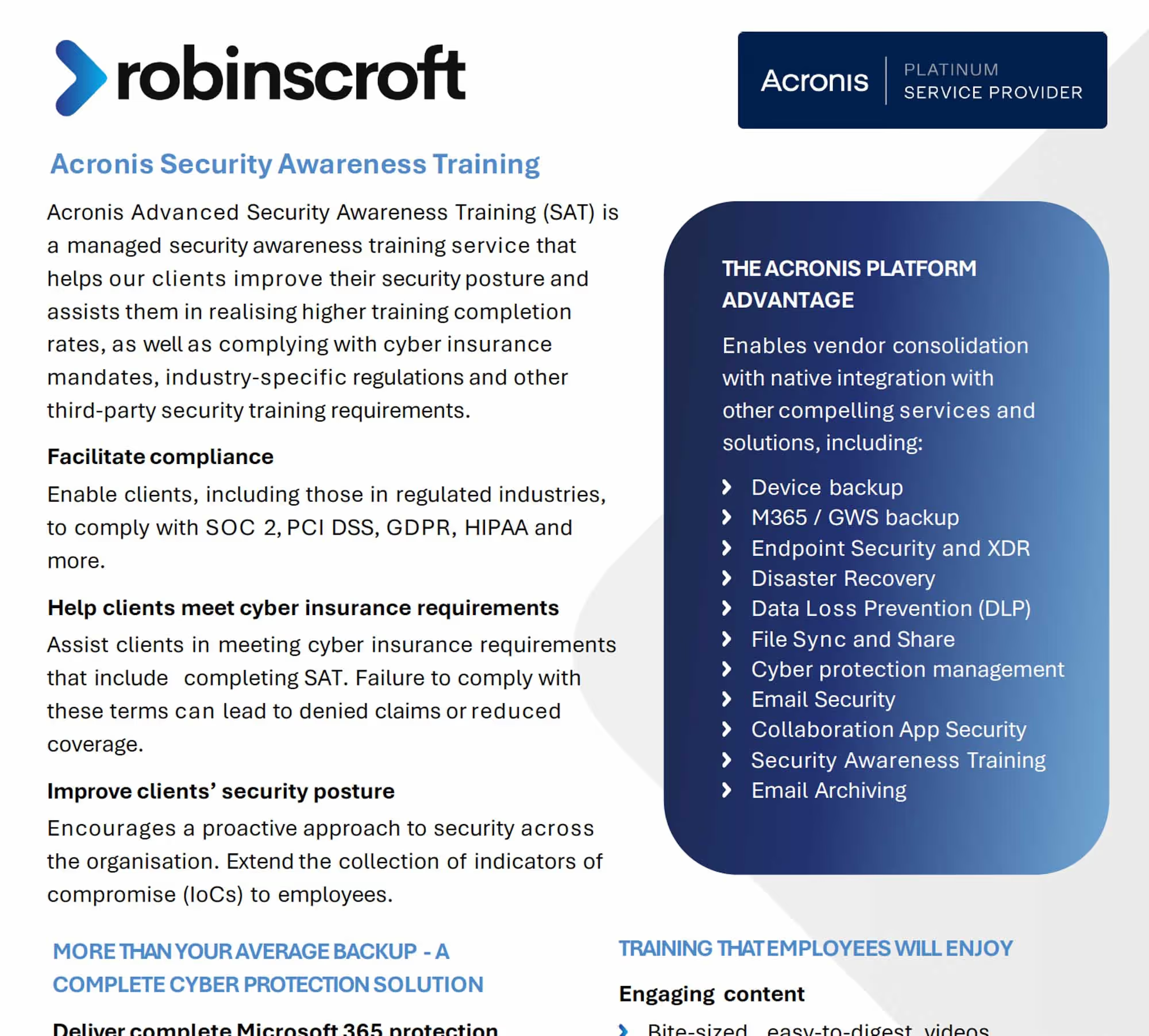
Acronis Security Awareness Training

Acronis Advanced Security Awareness Training (SAT) is a managed security awareness training service that helps our clients improve their security posture and..

Datasheet

The IT Complexity Trap

Why more technology is increasing risk, and how to fix it.

FAQs

Related FAQs

Have a question? You may find the answer here!

Does Microsoft 365 need backing up?

Yes. Microsoft keeps the service running. That doesn't mean every email, file or Teams conversation can always be recovered.

Accidental deletion, malicious activity and retention limitations can all result in data loss. Independent backups provide an additional layer of protection and greater peace of mind.

How can we reduce the risk of ransomware?

No single tool can stop every threat. That's why a layered approach works best.

Reducing the risk of ransomware typically involves a combination of multi-factor authentication, security awareness training, endpoint protection, regular patching, email security and secure backups. The goal isn't just preventing attacks, it's making sure you can recover quickly if one succeeds.

How often should business data be backed up?

More often than you think you'll need it.

Backup frequency depends on how much data changes and how much disruption your business can tolerate. Many organisations back up critical systems daily or even more frequently.

What is the 3-2-1 backup rule?

It's simple, memorable and still one of the best backup strategies around.

Keep three copies of your data, on two different types of storage, with one copy stored offsite. This approach helps protect against hardware failure, cyber attacks and accidental deletion.

What is immutable backup storage?

A backup that can't be altered, even if someone tries.

Immutable storage prevents backups from being altered, deleted or encrypted by ransomware, providing a critical safety net during cyber incidents.

Contact Us

Ready to Get Started?

Let’s talk about how we can support your goals.